

| Customization Method | What It Changes and How It Works |
|---|---|
| Dark Mode | Alters entire interface to black/grey tones, including Messages |
| iMessage vs. SMS Colors | Blue bubbles for iMessage, green for SMS—can’t be changed manually |
| Third-Party Apps | Send styled text as images or stickers with colored bubbles |
| Accessibility Settings | Adjust visual contrast or invert colors for an altered aesthetic |
| iOS 16+ Visual Effects | Limited theme tweaks within iMessage when both parties use updated iOS |
| Background Image Sharing | Insert custom-designed images as message content, simulating a background style |
| Edited Screenshots | Creators use editing apps to showcase visually enhanced message layouts |
| Jailbreak Theming Tools | Full control over message UI—risky and not Apple-approved |
| Influencer Techniques | Apps like Phonto and Canva used to simulate customized conversations |
| Apple’s Official Position | No native option to change message background; feedback welcomed |
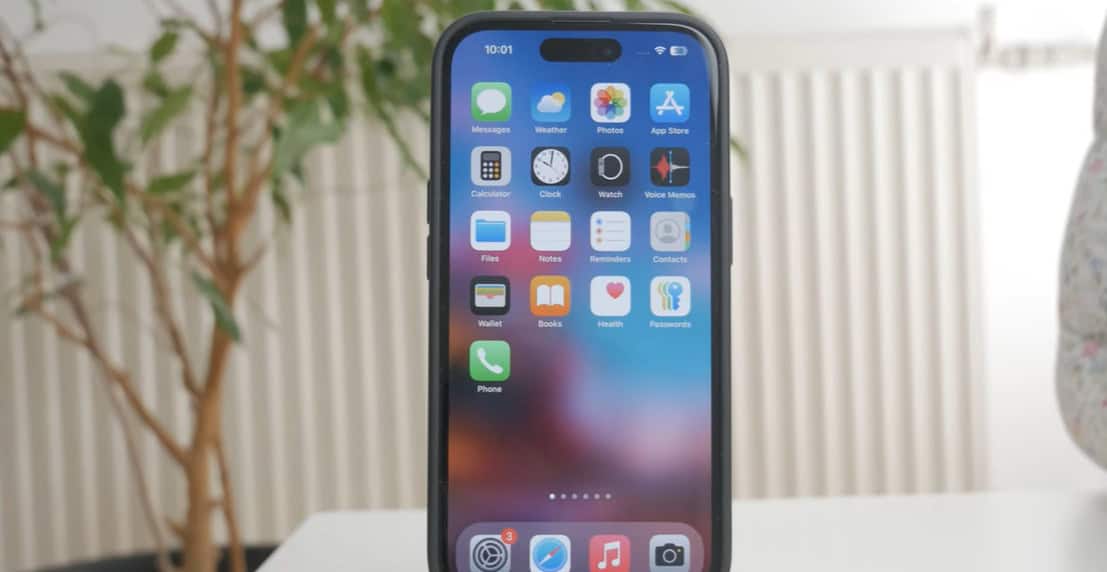
After over ten years of iPhone development, you would think that changing the background of your messages would be easy by now. However, the iPhone still does not have a built-in feature to alter the background of text messages, even with iOS updates and more advanced gadgets. It has been a remarkably persistent frustration for users who expect personalization comparable to what Android offers.
The iPhone’s default message design employs a binary color scheme, with green for SMS or MMS and blue for iMessage. It is hard-coded into the system’s architecture in addition to being functional. Although this design makes it easier to tell cellular messages from internet-based ones, it also presents a challenge to those who are drawn to creative visuals. Despite its great dependability, Apple’s strategy restricts personal expression in ways that seem dated.
To change your message interface, the simplest method is to switch to Dark Mode (located in Settings > Display & Brightness). Although it isn’t revolutionary, it has significantly enhanced the appearance of conversations generally, particularly for users who find the stark white interface too harsh. When enabled, Dark Mode provides a smooth, aesthetically pleasing visual tone that many people now choose as their daily default for all system apps, including Messages.
However, third-party apps have become a very flexible option for people looking for more personalization. Users can create stylized messages with distinctive fonts, colorful speech bubbles, and occasionally even gradient backgrounds using apps like “Color Text Bubbles” and “FancyBubble.” These messages are transmitted as pictures, which are basically stickers that are added to the thread of the conversation. They provide an artistic effect that is surprisingly effective for short-form communication, despite not acting like native iMessages.
Creators on TikTok and YouTube have recently rekindled interest in these apps by displaying what appear to be completely personalized conversation layouts. Using design apps like Phonto or Canva to create images of personalized text messages layered over stylized backgrounds is one particularly creative technique. These can then appear as photos in conversations, giving the impression that the background can be customized. The results are visually appealing without actually changing the message interface.
This trend has been further fueled by celebrity influence. Social media celebrities like Emma Chamberlain and Dixie D’Amelio have shared screenshots of their conversations on iMessage that feature striking dark overlays or gentle pastel gradients. Usually created using third-party editing software, these are shared to improve the visual appeal of a simple message exchange. This trend, which combines digital communication with visual storytelling, has turned into a creative outlet for fans.
The iPhone’s static message design has stagnated over the last ten years as digital platforms have moved toward hyper-personalization. This is not to argue that Apple hasn’t made changes to its platform; in fact, it has. However, in terms of design freedom, Apple’s visual rigidity can come across as sadly antiquated, particularly for Gen Z users who were raised on TikTok trends and Discord themes.
Subtle improvements with iOS 16 and 17 let users send handwritten notes or digital touch drawings, as well as animate message effects like “balloons” or “confetti.” Although entertaining, these features don’t take the place of the need for background customization. However, users observed per-conversation style cues appearing in some test builds—tiny indications that Apple might be redefining personalization in upcoming releases.
Users can make additional adjustments to the interface by utilizing the accessibility settings found under Display & Text Size. Although they don’t alter the background directly, features like Smart Invert and Increase Contrast greatly alter the messages’ visual tone. Originally created to meet visibility requirements, these tools are now being imaginatively used to rethink the appearance and feel of iOS.
Notably, people continue to ask the same question in Reddit threads and Apple Support Communities: “Is it possible to alter the iPhone’s message background?” Technically, the answer is always no, but in practice, a growing number of workarounds are available. Sending a full-screen image with text over it to mimic a themed background is one of the most popular methods. For visual storytelling, some suggest creating messages in Notes with stylized formatting and then taking a screenshot of the finished product.
Jailbreaking provides full theming capabilities for risk-takers or early adopters. Users can apply unique iMessage layouts with backgrounds, fonts, and even bubble textures using programs like SnowBoard. However, jailbreaking has security flaws, frequently malfunctions after iOS updates, and is being discouraged by both Apple and cybersecurity experts.
There will probably be increasing pressure on Apple in the upcoming years to give Messages greater design flexibility. Customization is becoming more and more popular in the industry, not only for emojis and effects but also for visual ambience. Flexible background options and themed chats are already supported by platforms such as Telegram. WhatsApp has also progressively added more customization options, including the ability for users to select their own chat background.
Apple could satisfy this demand with well-timed updates without sacrificing its renownedly simple user interface. Millions of users could be satisfied with a background theme toggle that is securely incorporated into iMessage while maintaining the brand’s emphasis on usability and clarity.
Users will keep coming up with new ideas using the resources at their disposal until that time comes. There is a continuous endeavor to add more individuality to iPhone texting, whether it is through Dark Mode, third-party apps, altered screenshots, or imaginatively styled image messages. This speaks to a deeper need to represent individuality in even the smallest digital interactions, rather than just a desire for aesthetic appeal.